
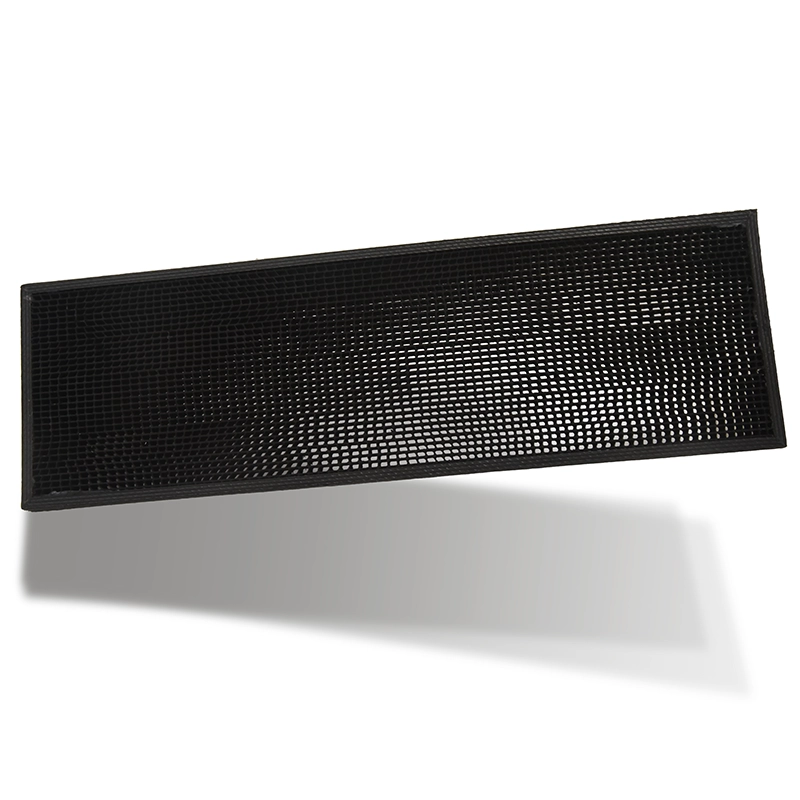
Open area determines airflow and capture behaviour on a screen, and it appears on every datasheet. Almost nobody verifies it on delivery, mostly because the supplier said they measured it and there is no obvious way to check without sending it out.
The photographic method
Back-light the screen evenly, photograph it square-on with a reference scale in frame, and analyse the image with free image software: threshold the bright pixels, and compare their count to total area. On a honeycomb screen with clean, well-defined cells this gives a figure within a couple of percentage points of laboratory methods.
Back-lighting quality decides accuracy. A bright ring in the middle of the image from a single light source will be thresholded as open area and inflate the result. Diffuse light – a sheet of paper or a light box between source and screen – fixes it.
Sample enough of the panel
Open area is rarely uniform. Edges are usually denser because of the frame, and there is often a gradient from manufacturing. Take several images across the panel and average rather than taking one from the middle, which flatters the result.
Compare trends, not absolutes
Your figure will not match the supplier’s exactly, because methods differ. Use it comparatively: a batch that reads several points below the previous one is a real signal, and it is usually the frame treatment or the cell geometry that changed. The relationship between open area and hole geometry was set out in mesh count versus hole size.
Check the holes are actually open
A partly blocked screen reads low and that is real information. But a screen with residual manufacturing flash across the cells also reads low and is a defect rather than a design difference. Inspect at magnification before concluding, because these look identical in a thresholded image.
Record it once per batch, not per panel
Testing every panel defeats the purpose. One per delivery, photographed and filed, builds a record that catches drift over months. Once blocked cells from service start appearing in the images, that is cleaning rather than manufacturing.
Open area is not the whole story
Two screens with identical open area can perform quite differently, because cell geometry changes how air moves through them. A screen with many small cells captures finer particles and loads faster; one with fewer, larger cells holds less and breathes longer but passes more. Which is better depends entirely on whether your problem is capture efficiency or service interval.
This is why the measurement belongs alongside the specification rather than instead of it. If the open area matches and the performance has changed, look at the cell count and the wall thickness rather than arguing about the open area figure – that number is correct and still not answering the question.
Keep the images
Store the photographs alongside the measured figure. An image from twelve months ago settles arguments about whether a screen has degraded in service or arrived that way, which is otherwise almost impossible to establish after the fact.
What we can do
We supply PP honeycomb filter screens with stated open area and can supply a retained sample image from each production batch for comparison. Tell us the figure you measure on our first delivery and we will hold subsequent batches to it.